
Solomon AI for Enterprise
Controls your security review will ask about.
SSO, SCIM directory sync, MFA, custom roles, scoped API keys, and audit logs.
Works with the tools you already use.
Built for deciding, not digging.
Every dollar should have a reason you can find later.
Financial decision software
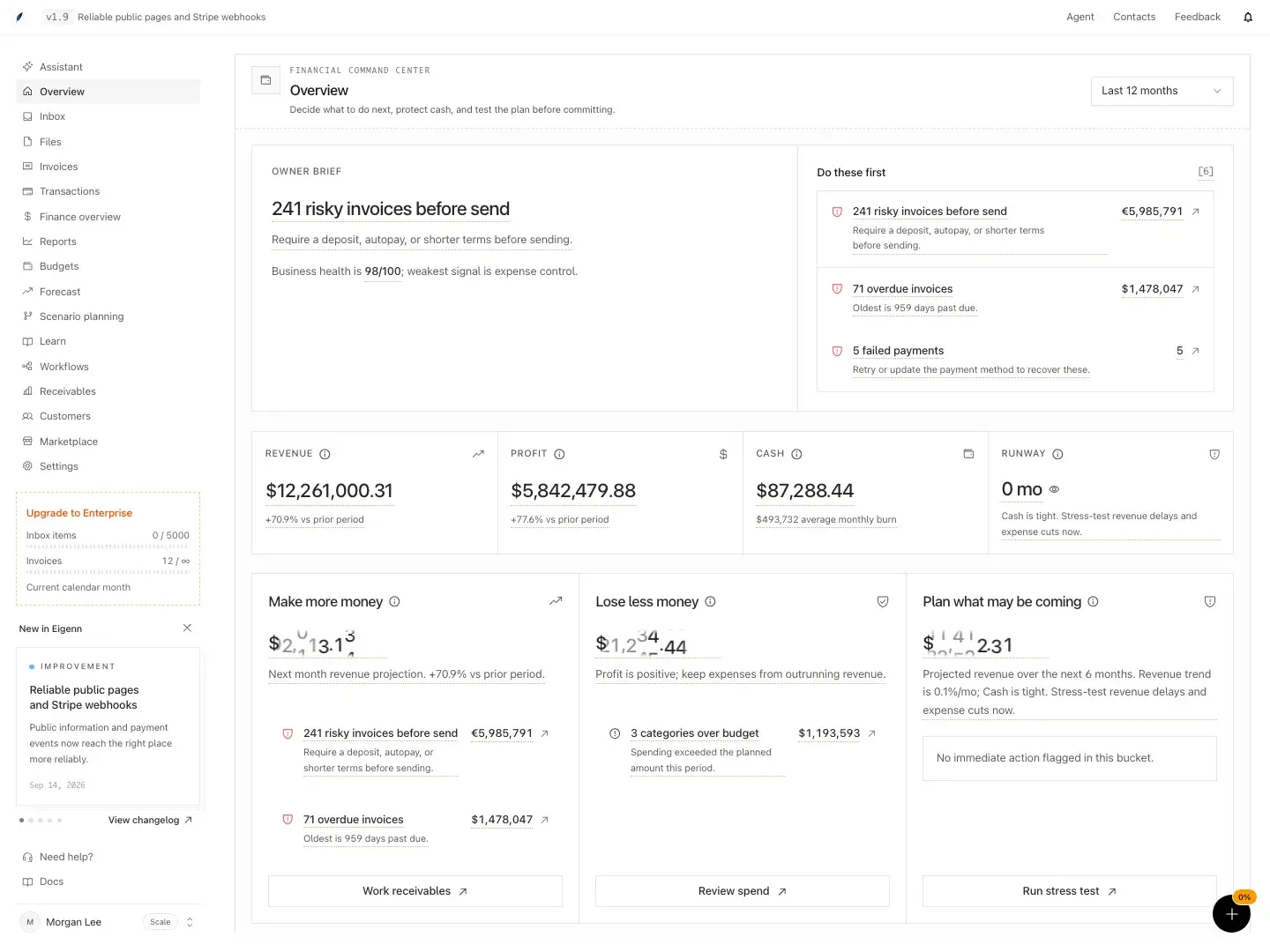
Know what you can afford before you commit.
Eigenn brings cash, runway, invoices, and scenarios into one weekly review. QuickBooks or Xero keeps the books.
Learn about Eigenn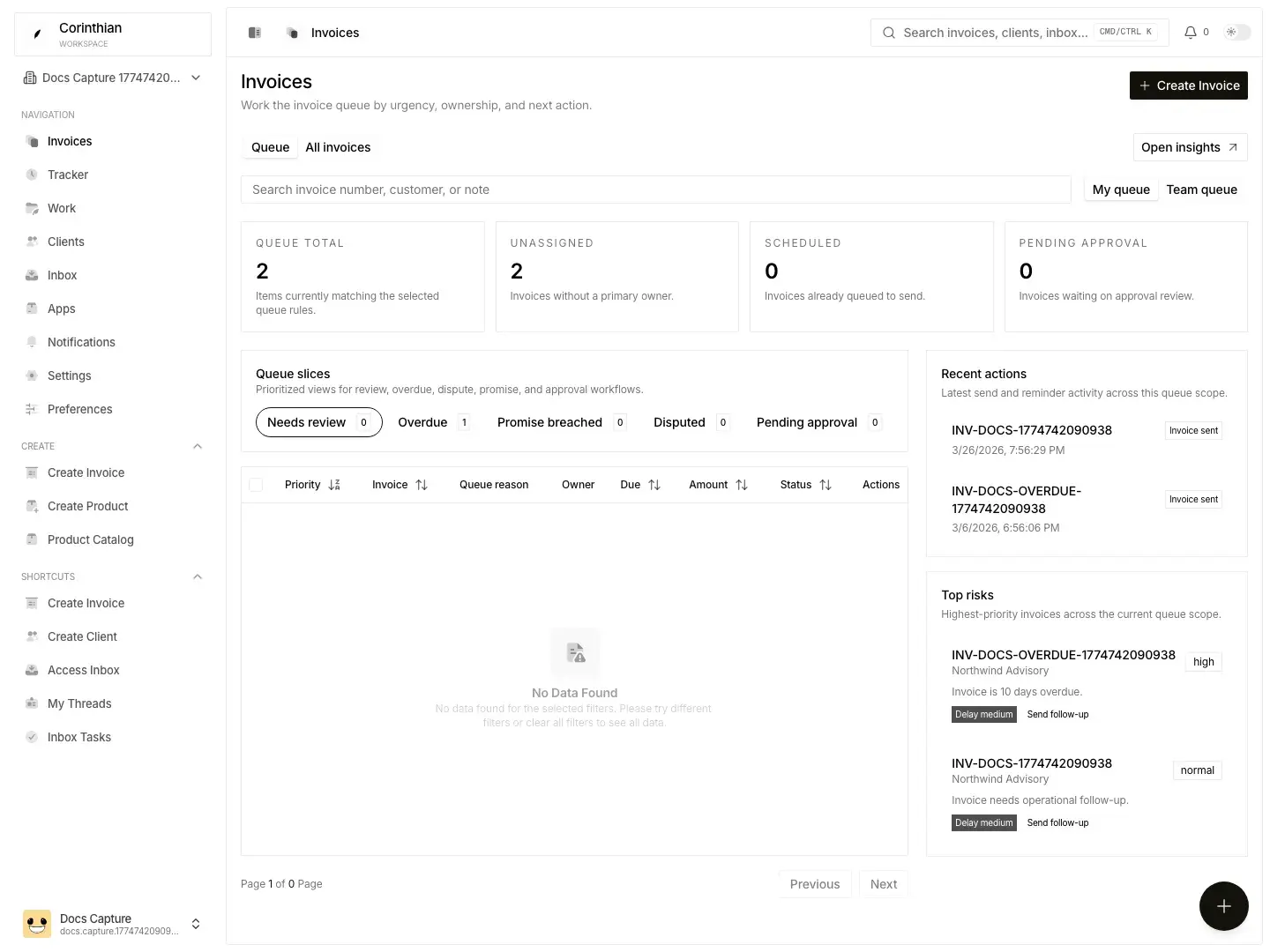
Accounts receivable software
Every invoice, followed until it's paid.
Conduitt keeps invoices, disputes, promises, and follow-ups together, so your team knows what to send next.
Learn about ConduittPayables controls · Beta
A careful pause before every bill is paid.
Cadense checks duplicate risk, routes approvals, holds exceptions, and keeps the evidence with the payment decision.
Learn about Cadense[Placeholder] Proof headline for this segment.
“[Placeholder] A customer quote about the product goes here, in the customer's own words.”
[Placeholder] Name
Title, Company
Solomon AI for Enterprise.
Film coming soon
Talk to us about your requirements.
Up to
0x
[Placeholder] verified outcome
Up to
0%
[Placeholder] verified outcome
Up to
0x
[Placeholder] verified outcome
Get started in three steps.
Step 1: Pick a product
Start with cash decisions, customer payments, or bill controls.
Step 2: Connect your accounts
Link your bank, your accounting system, and your inbox.
Step 3: Run the weekly review
Work the list each week and decide with the evidence in front of you.